How to Request Your C-File from the VA
Your Claims File (C-File) is the VA's complete record of everything related to your benefits — service records, medical evidence, decisions, correspondence, and more. It can take 4–12 weeks to arrive, so request it now.
Why Request Your C-File?
- See exactly what evidence the VA already has on file
- Identify missing evidence before you file a new claim
- Find C&P exam reports that may contain errors you can challenge
- Discover denied claims that may be eligible for supplemental review with new evidence
- Understand what the VA used to make previous rating decisions
Two different things:
Your C-File (claims history, rating decisions, C&P exams) is requested through the National Archives eVetRecs system. Your medical records (Blue Button health data) are downloaded separately from VA.gov/my-health. We recommend getting both.
Step-by-Step: Request via eVetRecs (Recommended)
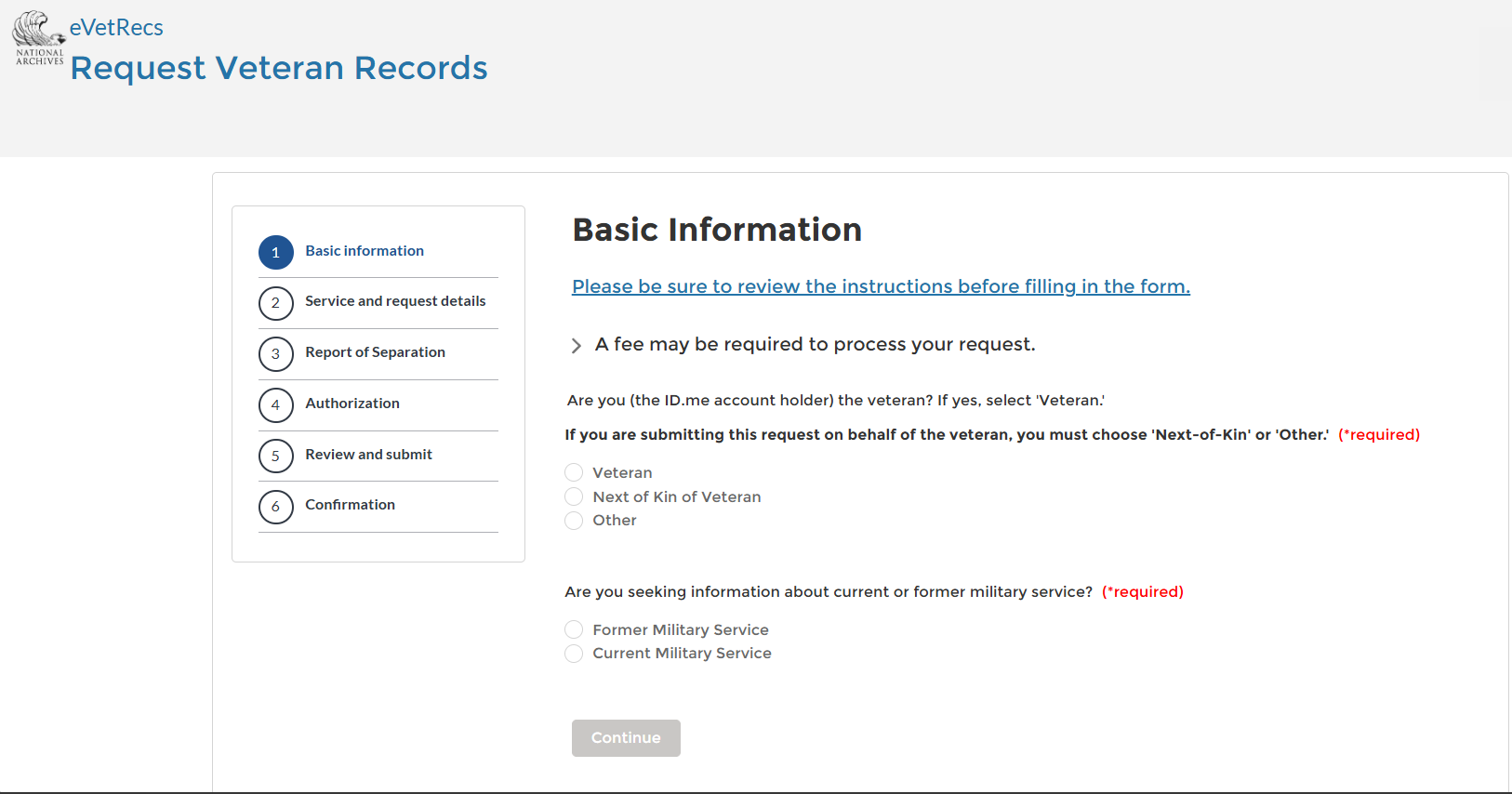
Basic Information — select "Veteran" and "Former Military Service"
On the first screen, select "Veteran" (you are the account holder) and "Former Military Service". Then click Continue.
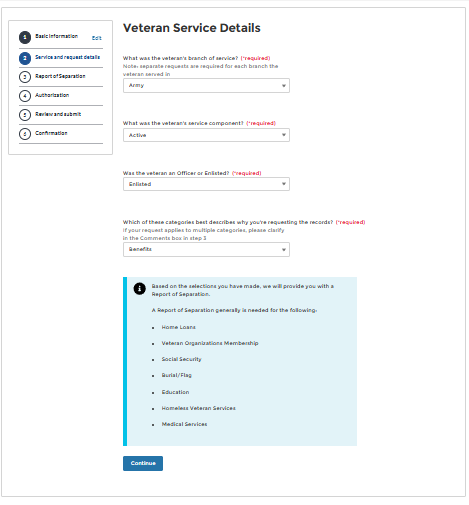
Service Details — your branch, and "Benefits"
Enter your branch of service, select "Enlisted" or "Officer", and for "Which category best describes why you're requesting records" select "Benefits".
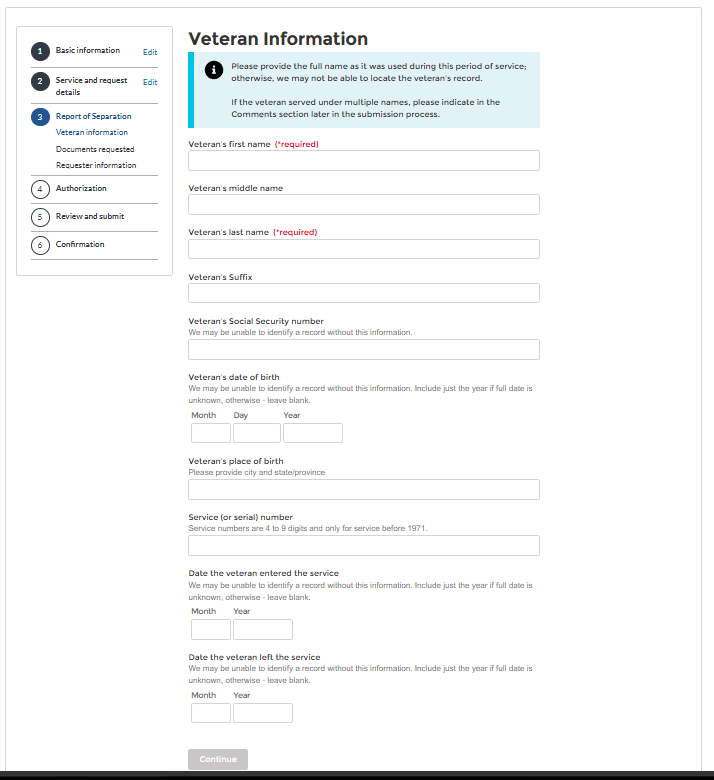
Veteran Information — fill in your details
Enter your name (as it was during service), SSN, date of birth, place of birth, and service dates. If you don't remember exact dates, the year is usually enough.
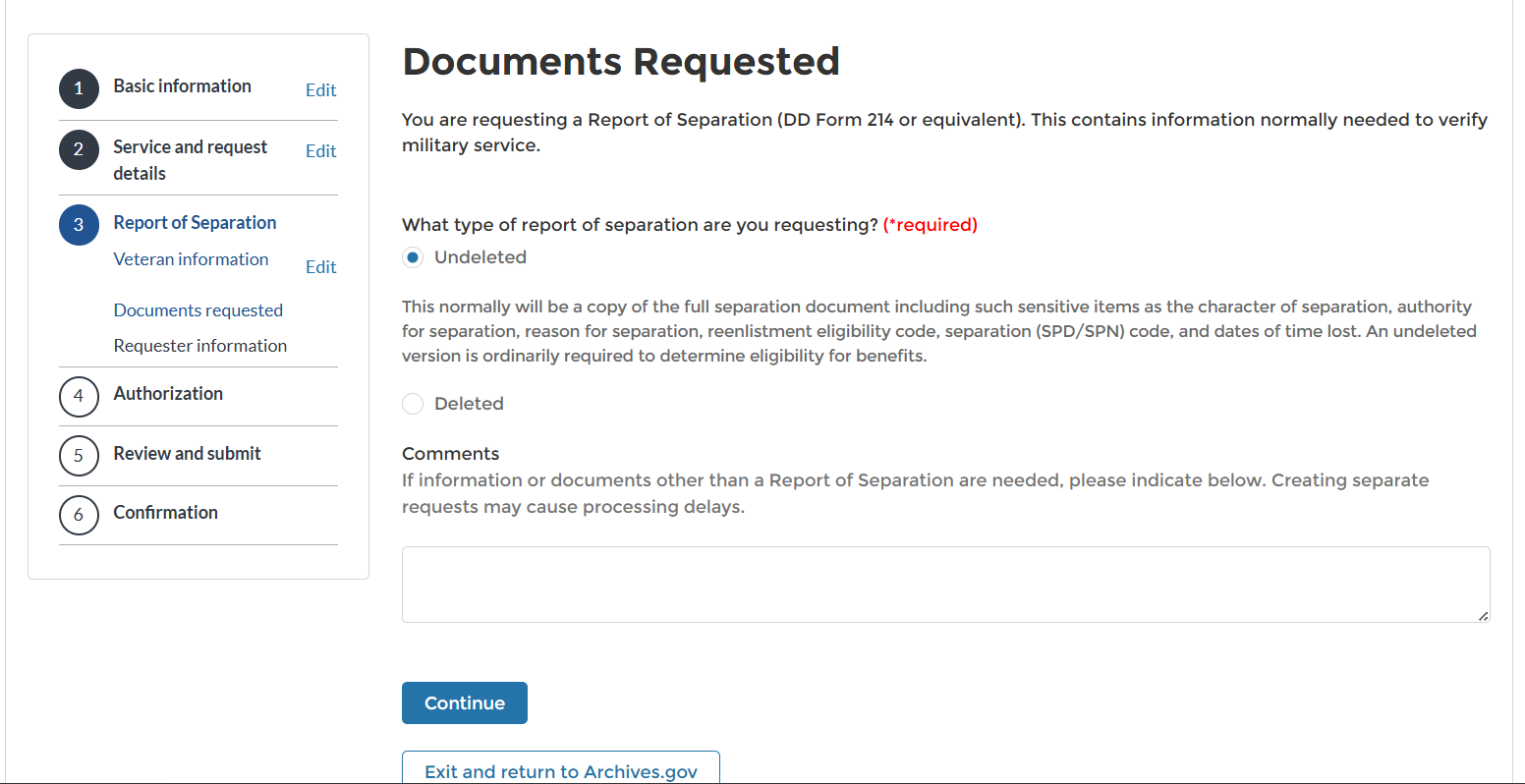
Documents Requested — select "Undeleted" and add the C-File comment
Select "Undeleted" for the full report of separation. Then in the Comments box, paste the text below.
Review, authorize, and submit
Complete the Authorization step (electronic signature), review everything, and submit. You'll receive a confirmation number — save it, you can use it to check status.
What to Expect After Submitting
- 1-2 wkYou'll receive a confirmation that your request was received
- 4-8 wkMost requests are fulfilled — you'll receive your C-File by mail (CD, USB, or paper)
- 8-12 wkComplex files with many claims may take longer. You can call to check status.
Files can be hundreds or thousands of pages — this is normal for veterans with multiple claims. Once you have it, upload it to My Vet Copilot for AI-powered analysis.
Also: Download Your VA Medical Records (Blue Button)
Separate from your C-File, your VA medical records contain your health history — diagnoses, medications, lab results, and treatment notes. These are available for instant download:
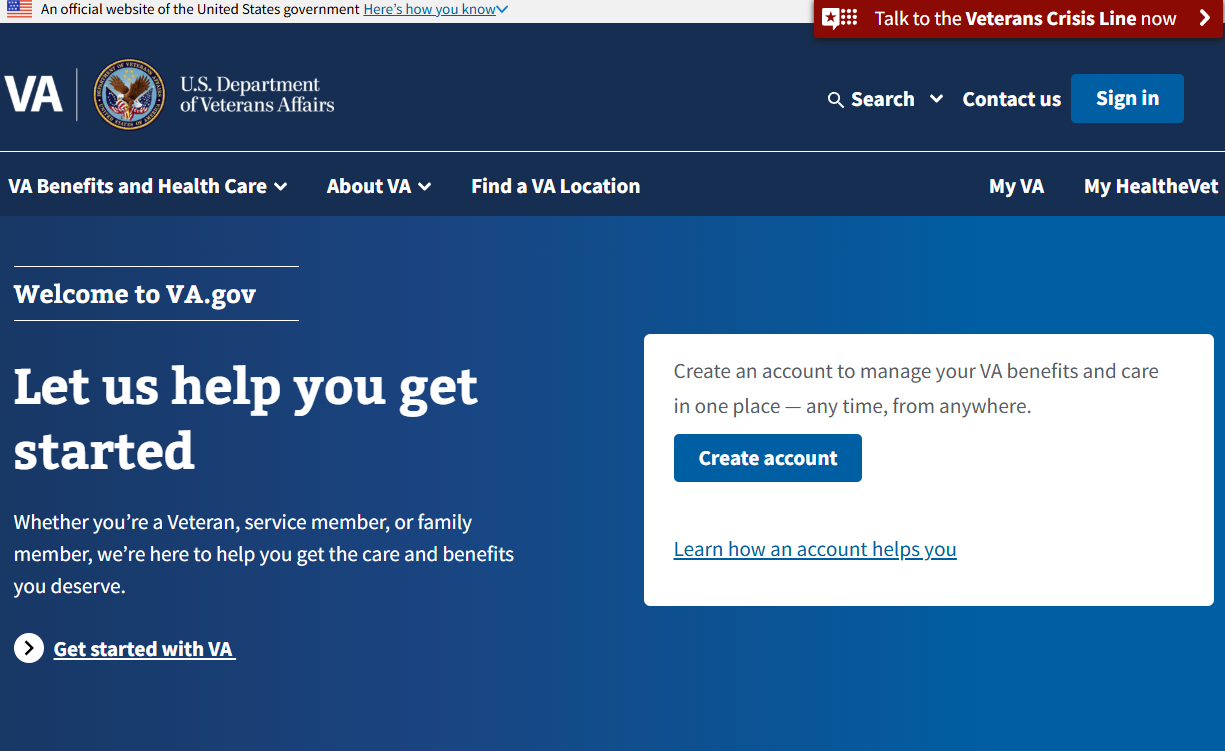
- Go to VA.gov Medical Records Download
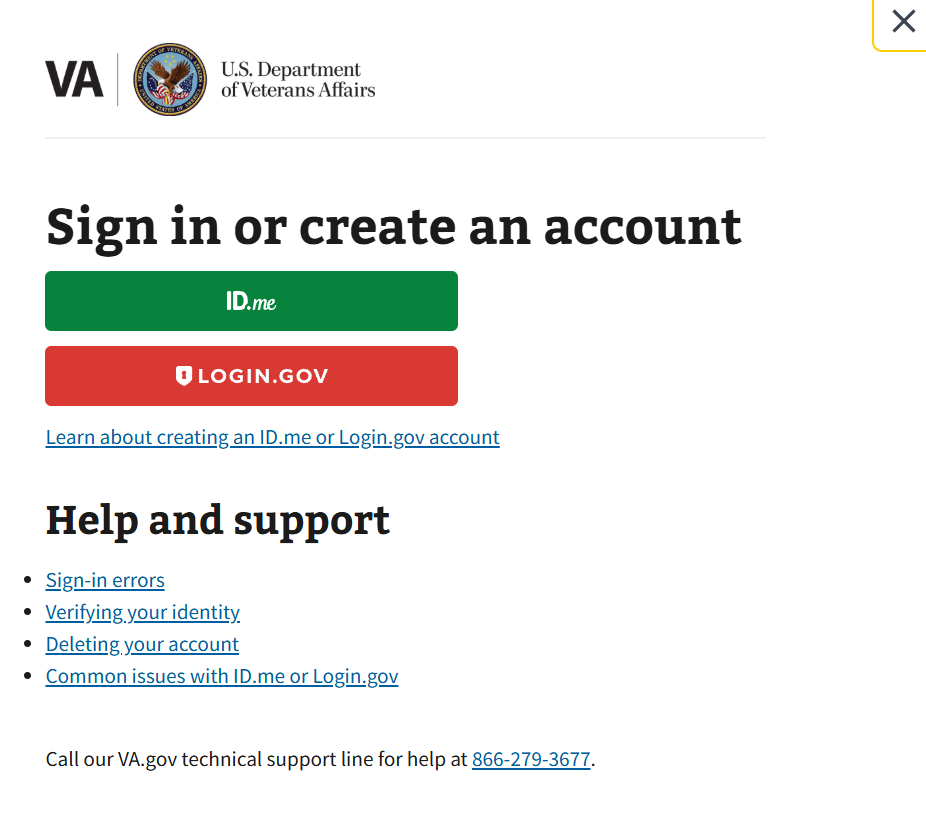
- Sign in with ID.me or Login.gov
- Select "Blue Button Report" and choose your date range (select "All" for the full history)
- Download the PDF — it's available immediately
Upload your Blue Button report to My Vet Copilot and the AI will extract all diagnoses, medications, and identify potentially claimable conditions.
While you wait for your C-File, you can still get started.